
Eliminate Weak Links in Corporate Information Security with the Kyocera mz2501ci Photocopier
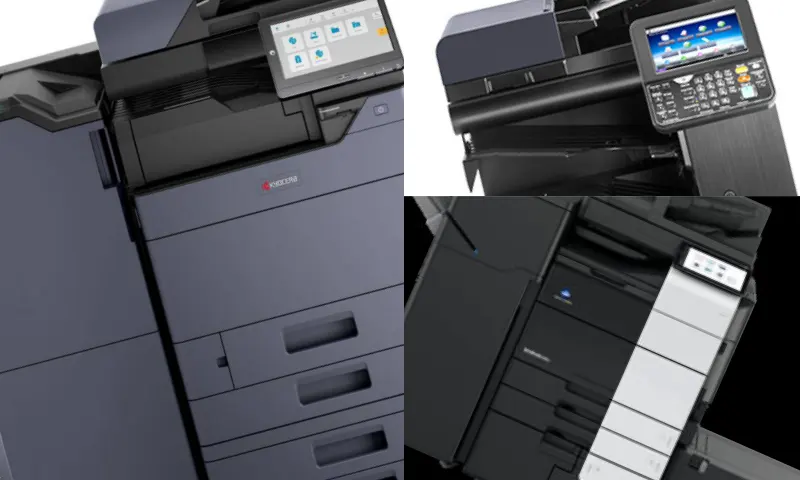
No Passage for Cyber Breaches with the Kyocera mz2501ci Photocopier
Did you know that in offices that do not use the Kyocera mz2501ci photocopier, cyber attackers most often prefer those innocent-looking old-generation printers to infiltrate the corporate network? Devices with unupdated operating systems and unencrypted network traffic directly endanger your company's most confidential data. ADA Office Machines offers terminals with high-level protection that operate in a completely closed circuit to fundamentally close this massive security vulnerability. You can transparently analyze this powerful security shield to be integrated into your network at https://www.adaburo.com.tr/urundetay/kyocera-taskalfa-mz2501ci/. It is unacceptable for the weakest link in the company architecture to be a simple piece of hardware.
Flawless Zero-Trust Integration with the Kyocera mz2501ci Photocopier
The Kyocera mz2501ci photocopier instantly encrypts every document copied, scanned, or printed, thanks to advanced encryption modules integrated into its motherboard. Personnel salary tables prepared by human resources or confidential agreements signed by the board of directors are never left vulnerable in the machine's internal memory. When the Data Overwrite feature is activated, the physical trace of the file on the disk is irrecoverably deleted as soon as the printing process is finished. The device instantly cuts off suspicious connections when an unauthorized IP address or a fake MAC address attempts to access the interface over the network. System administrators can seamlessly run backward audit mechanisms by retrieving detailed log records of all operations passing through the device. When the Kyocera mz2501ci photocopier is added to the corporate architecture, it is essential for IT managers to implement a very strict cybersecurity policy. Simply connecting the device to the network and plugging it in is not enough; you must urgently take the following proactive steps:
- Mandate the TLS 1.3 security protocol throughout the system, encrypting data flow between computers and the machine end-to-end.
- Set up an Active Directory (AD) authentication system, allowing personnel to pick up their printed documents only by scanning their own ID cards.
- Define automatic alerts via SNMP for network administrators to receive instant notifications in case of potential hardware or authorization breach attempts.
- Isolate the communication between the guest network (Guest Wi-Fi) and the corporate server to which the device is connected at the hardware level using VLAN configuration.
Deploying the Kyocera mz2501ci photocopier is the most strategic technological move for your business's privacy and KVKK compliance. The era of those unintelligent machines that merely scan and duplicate documents ended a long time ago. Have you ever tested how well these critical infrastructures processing your corporate memory can truly protect your company's trade secrets?